Tutorials
AlgoLaser MK3 15W, LightBurn
What actually engraves well on a beginner diode laser
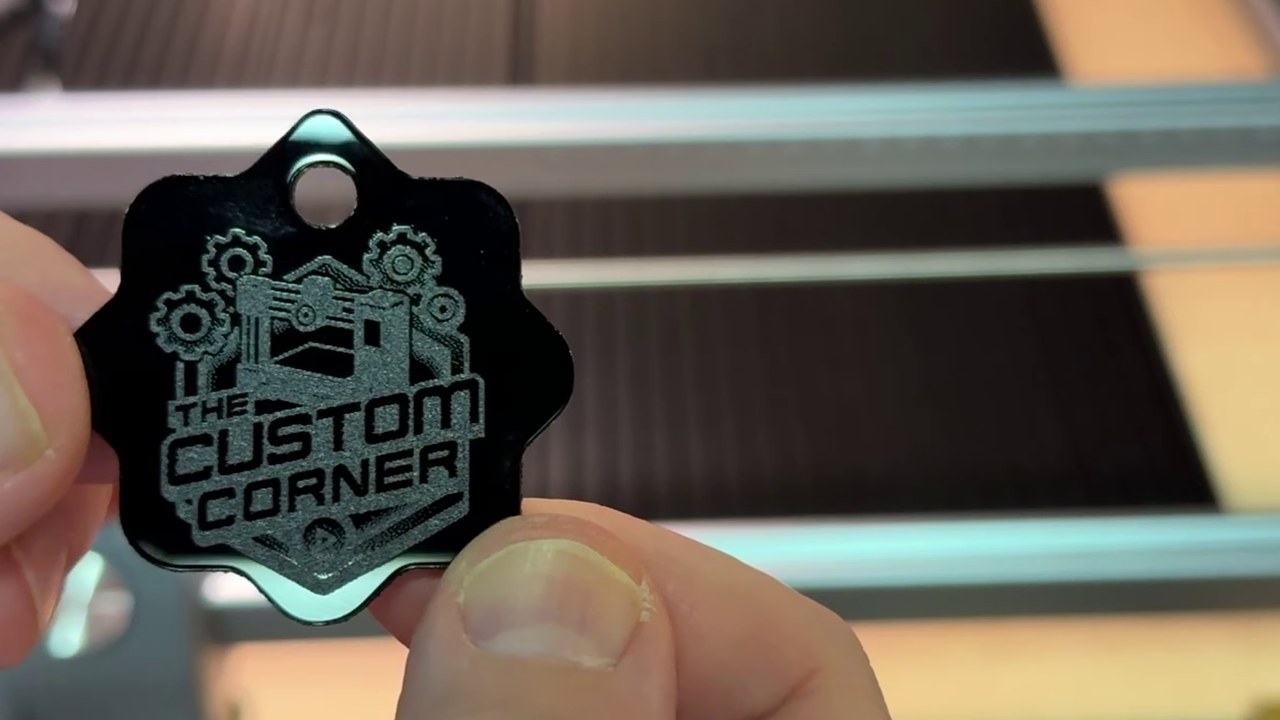
Five materials tested on a 15W diode laser: coated aluminum, black acrylic, leather, balsa and wood coasters. Coated aluminum gave the cleanest result of the lot. A detailed image on black acrylic failed completely, and a dark two-tone coaster failed at settings that worked on a lighter one. Cut settings for 2mm acrylic and 1mm balsa are at the end.
Bambu Lab A1, Bambu Studio 2.7.1.62
Using boolean operators in Bambu Studio
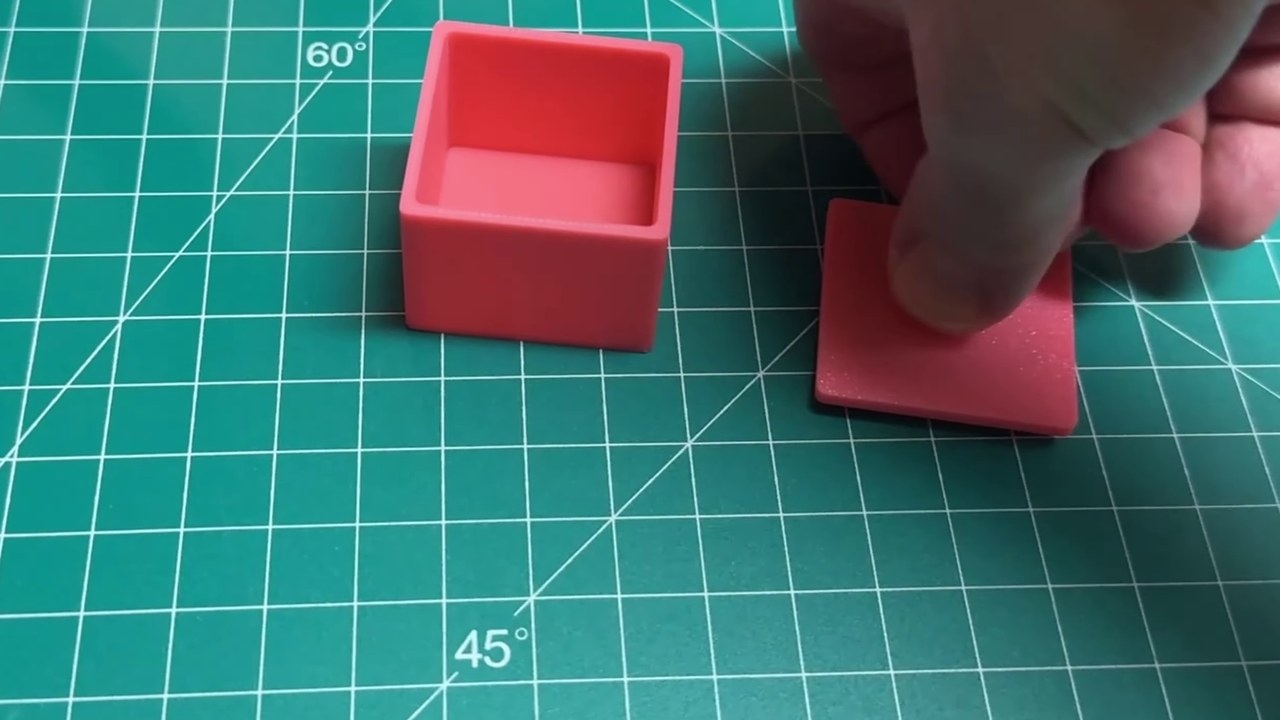
Union, subtraction and intersection on the redesigned boolean panel, built into one project: a box, a lid, and a press-fit handle. The interface changed in 2.3 and the older tutorials on this subject no longer match what you see. This is the current one, confirmed on 2.7.1.62.
Bambu Lab A1, Bambu Studio 2.2.2.56
Getting sharp text on a 3D print in Bambu Studio
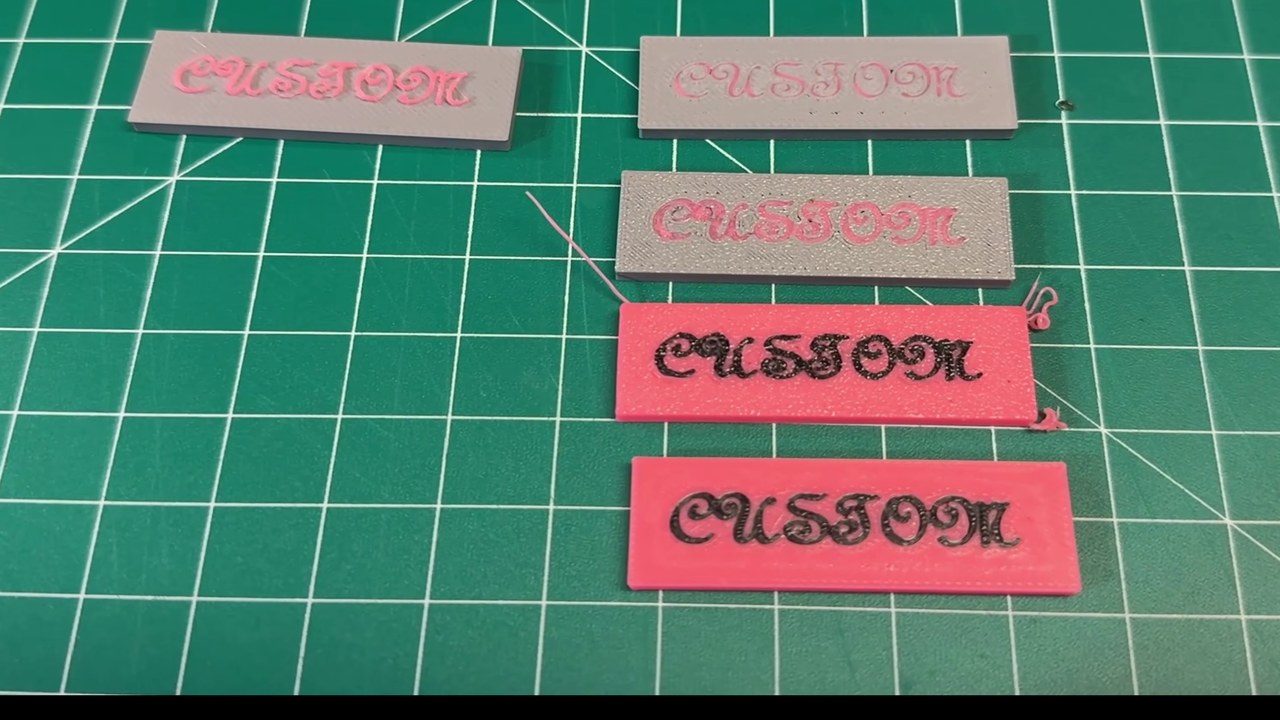
A script font at 10mm sliced into unreadable fragments. Dropping every line width on the text object from 0.42 to 0.25 fixed most of it in one change, and wall loops plus detect thin wall did most of the rest. Eight of the nine changes sit on the text object alone, so they cost nothing on the rest of the print.
Bambu Lab A1, Bambu Studio
Using modifiers in Bambu Studio to change part of a print
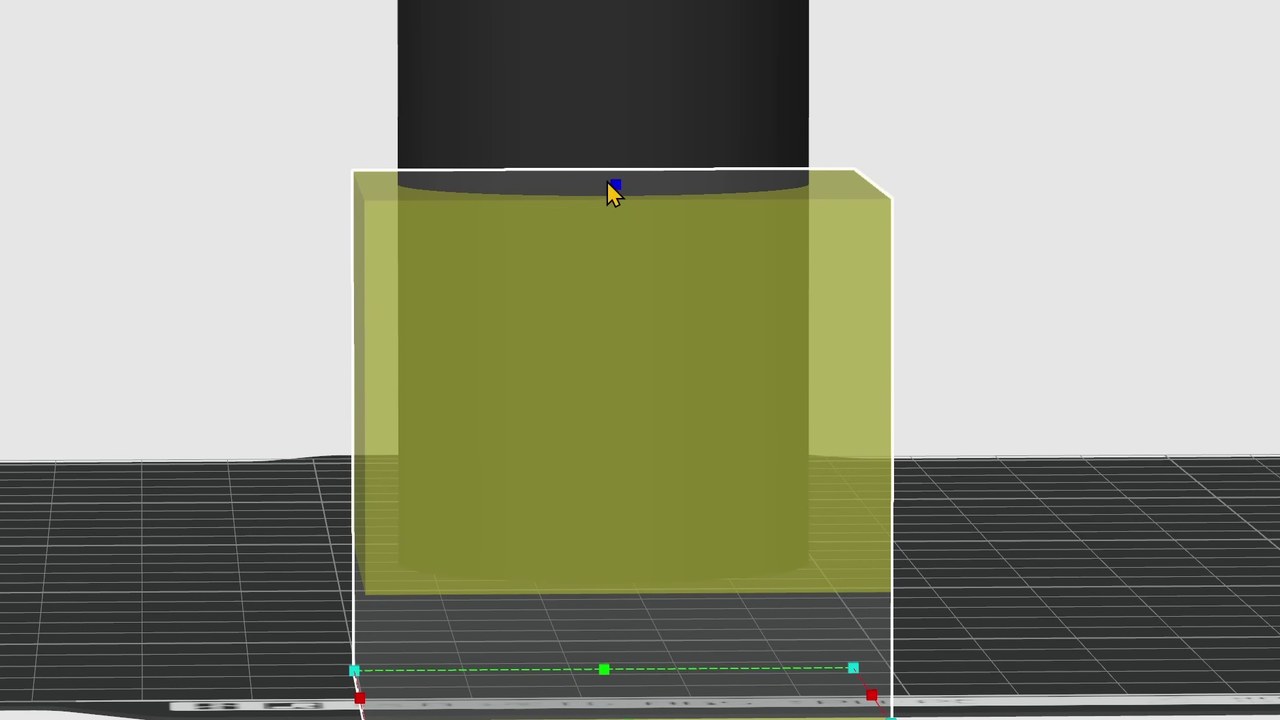
Raising wall loops and infill across a whole cylinder took it from 49 minutes and 36g to 1h18m and 72g. A modifier over just the section that needed strength got the same reinforcement for 59 minutes and 49g. That gap is the entire reason to learn this, and the same feature also handles color, inlays and fuzzy skin.
Bambu Lab A1, Fusion 360, Bambu Studio
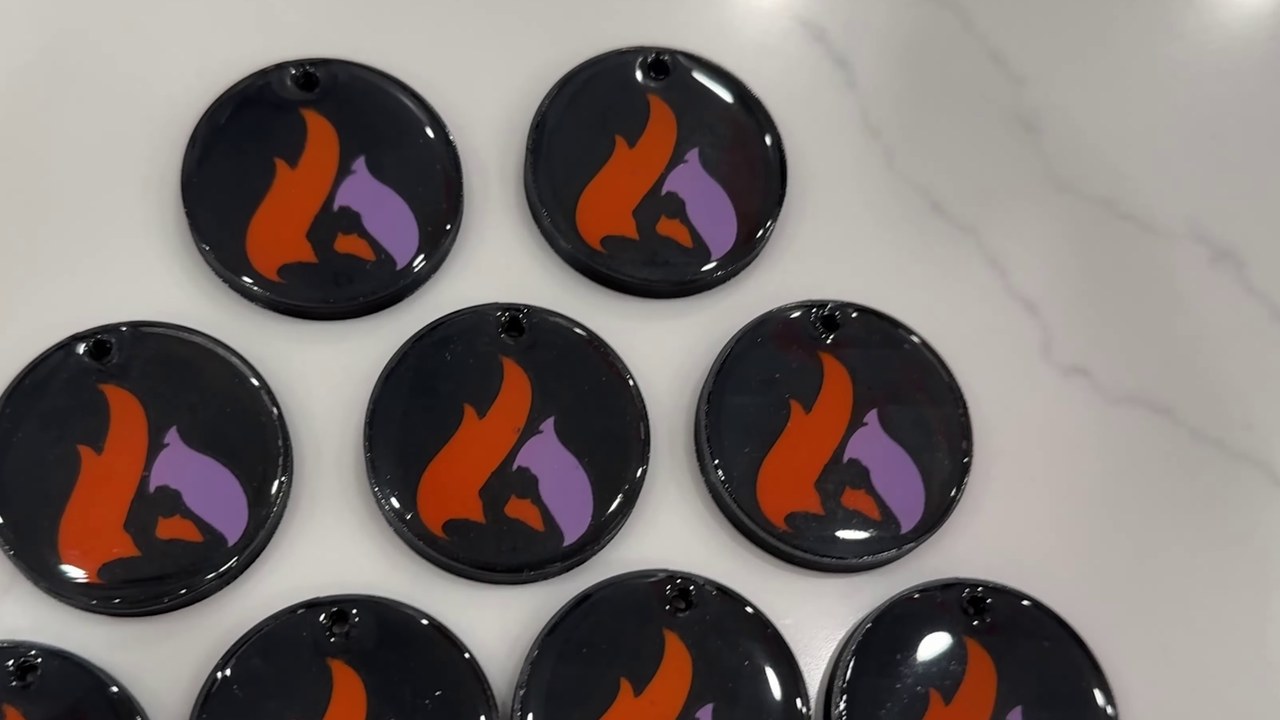
Getting a glossy resin dome on a 3D printed keychain
The shine does not come from the resin, it comes from a 1mm well modeled into the top of the part. Resin poured onto a flat print runs off the edge and dries as a thin uneven film. Poured into a well it cannot go anywhere, so it self levels into a dome. This is the whole method, including the two mistakes that made the first attempt worse.
Bambu Lab A1
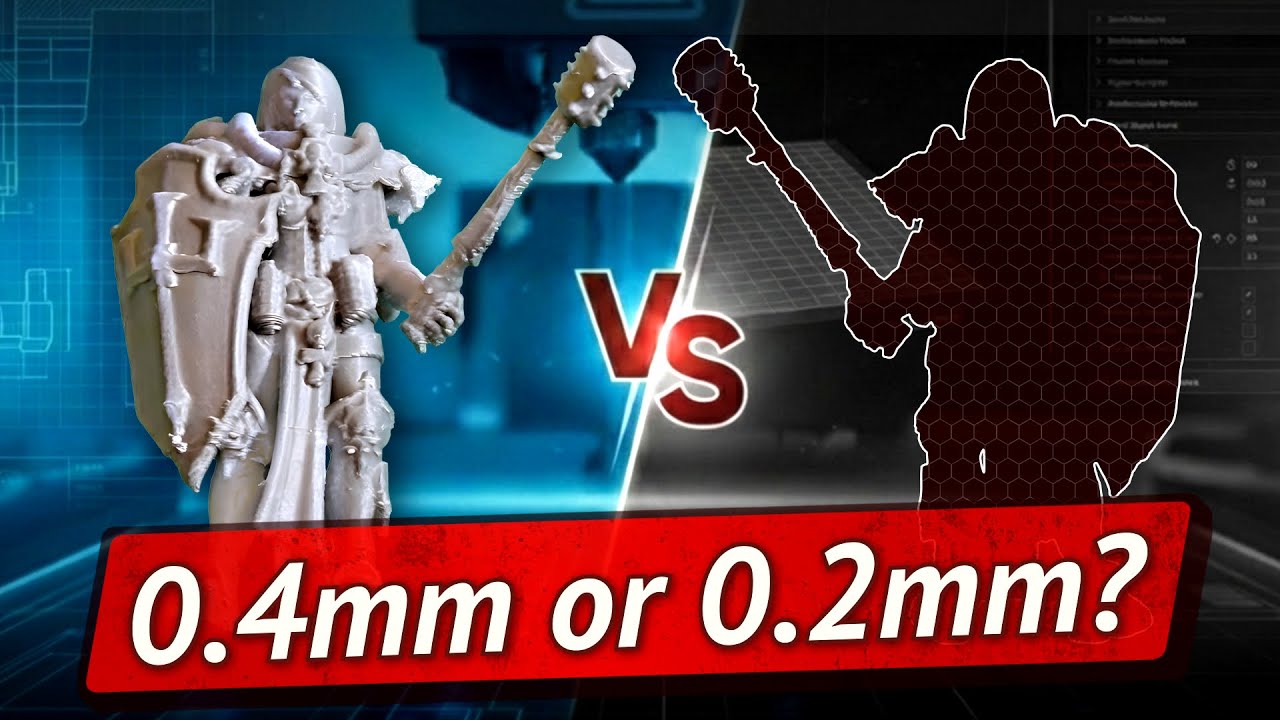
Is a 0.2mm nozzle worth it for small prints?
Five prints of the same 40mm miniature on a 0.2mm nozzle, against the same model on a tuned 0.4mm. Layer lines stop being visible almost immediately, and after that every further change buys less than the one before. The honest answer is yes, and sooner than you would expect.
Bambu Lab A1
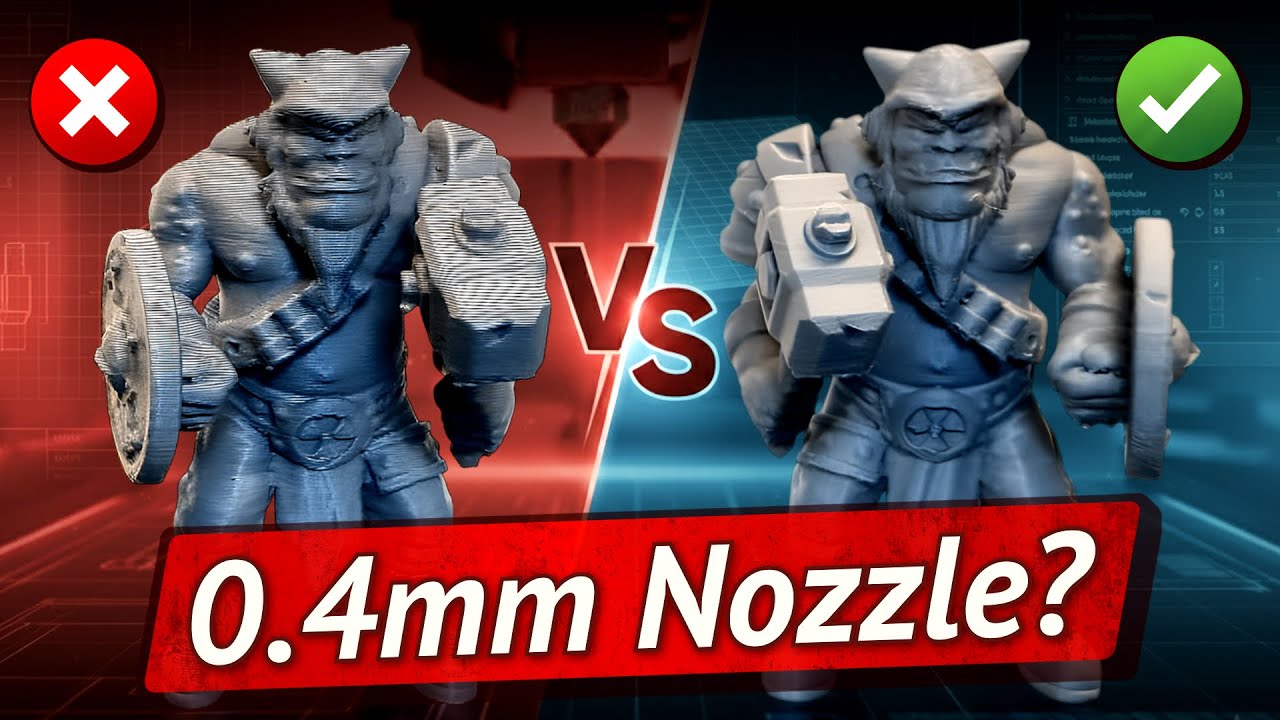
Getting more detail out of a 0.4mm nozzle
Four prints of the same ogre on one A1, changing settings between each. Stock takes 1 hour 21 minutes and shows layer lines everywhere. Tuned takes 3 hours 56 minutes and shows almost none. The third print was more optimized than the second and came out worse.
Bambu Lab A1
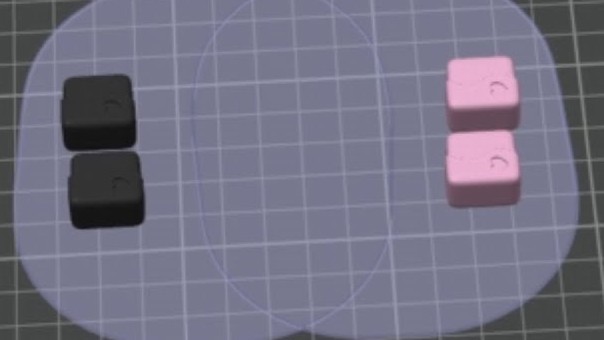
Print by object in Bambu Studio
Printing one object at a time instead of layer by layer cuts filament changes on a multi-color plate. Here it takes the same plate from 41 changes and 1 hour 46 minutes down to 6 changes and 56 minutes, plus the things that go wrong along the way.